
To test a certain use case in the context of the integration of an application with AAD B2C I wanted to change the User Principal Name (UPN) of a user. The UPN corresponds to the username and email address of a user.
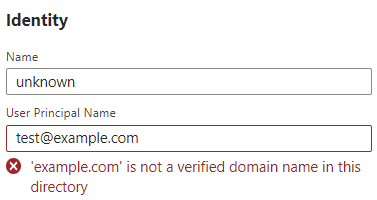
First, I tried changing the UPN directly through the Azure Portal by switching to the AAD B2C tenant, opening the AAD B2C resource, navigating to Users, selecting the appropriate user, clicking Edit and changing the value in the User Principal Name field.
Unfortunately, the UPN can only be changed to an email address with a verified domain in this way.
However, there is a way to change the UPN to an email address without a verified domain by updating the corresponding user via Graph API as stated here.
Below I show how this can be done with PowerShell.
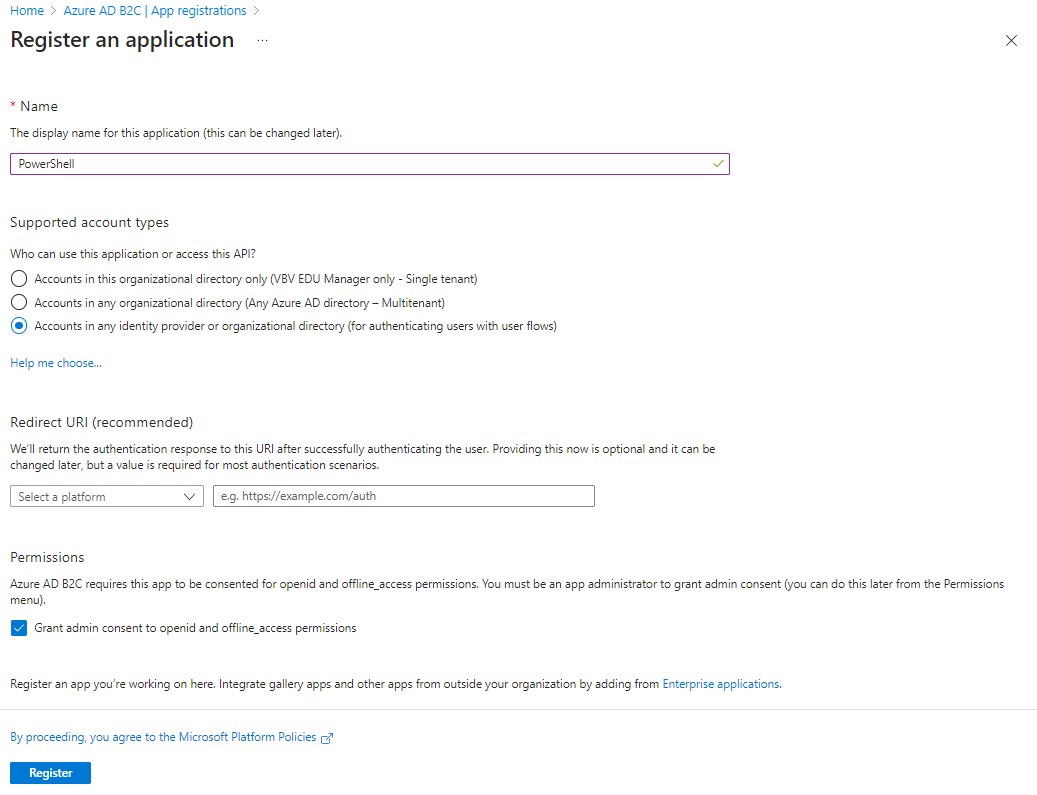
- Create a new app registration in AAD B2C
- Create a client secret
- Copy value of client secret
- Navigate to
API permissions - Click
+ Add a permission - Select
Microsoft Graph - Select type
Application permissions - Choose
User.ManageIdentities.AllandUser.ReadWrite.All - Click
Add permissions - Grant admin consent by clicking
Grant admin consent for B2C_TENANT_NAME - Open PowerShell
- Execute the following commands
$tenantId = "ID_OF_AAD_B2C_TENANT";
$applicationId = "APPLICATION_CLIENT_ID_OF_APP_REGISTRATION";
$clientSecret = "VALUE_OF_CLIENT_SECRET";

$uri = "https://login.microsoftonline.com/$tenantId/oauth2/token";
$resource = "https://graph.microsoft.com/";
$restBody = @{
    grant_type = 'client_credentials'
    client_id = $applicationId
    client_secret = $clientSecret
    resource = $resource
};

$token = Invoke-RestMethod -Method POST -Uri $uri -Body $restBody

$headers = @{
    'Authorization' = "$($Token.token_type) $($Token.access_token)"
};

$userOid = "OID_OF_THE_USER_TO_BE_UPDATED";
$uri = "https://graph.microsoft.com/v1.0/users/{0}" -f $userOid;

# Replace ISSUER (can be found on user in AAD B2C) and UPN (new UPN)
$requestBody = @{ 'identities' = @(@{ 'signInType' = 'emailAddress'; 'issuer' = 'ISSUER'; 'issuerAssignedId' = 'UPN' }) } | ConvertTo-Json;
Invoke-RestMethod -Method Patch -Uri $uri -Body $requestBody -ContentType "application/json" -Headers $headers

 blog.rufer.be
Leave a comment